
A Bangkok mid-to-high-end restaurant goes digital, part 4: start from the basics — website ordering to the kitchen, without scheduling for the chef
Marketing brings guests in and the menu is online; the next step makes orders lighter: website ordering, with the order automatically sent to a kitchen display. But this step deliberately has no automatic scheduling — how the work is planned stays the chef's call, so the existing workflow isn't broken. The goal is fewer missed orders, fewer chases, fewer mistakes — not a system deciding for the chef.
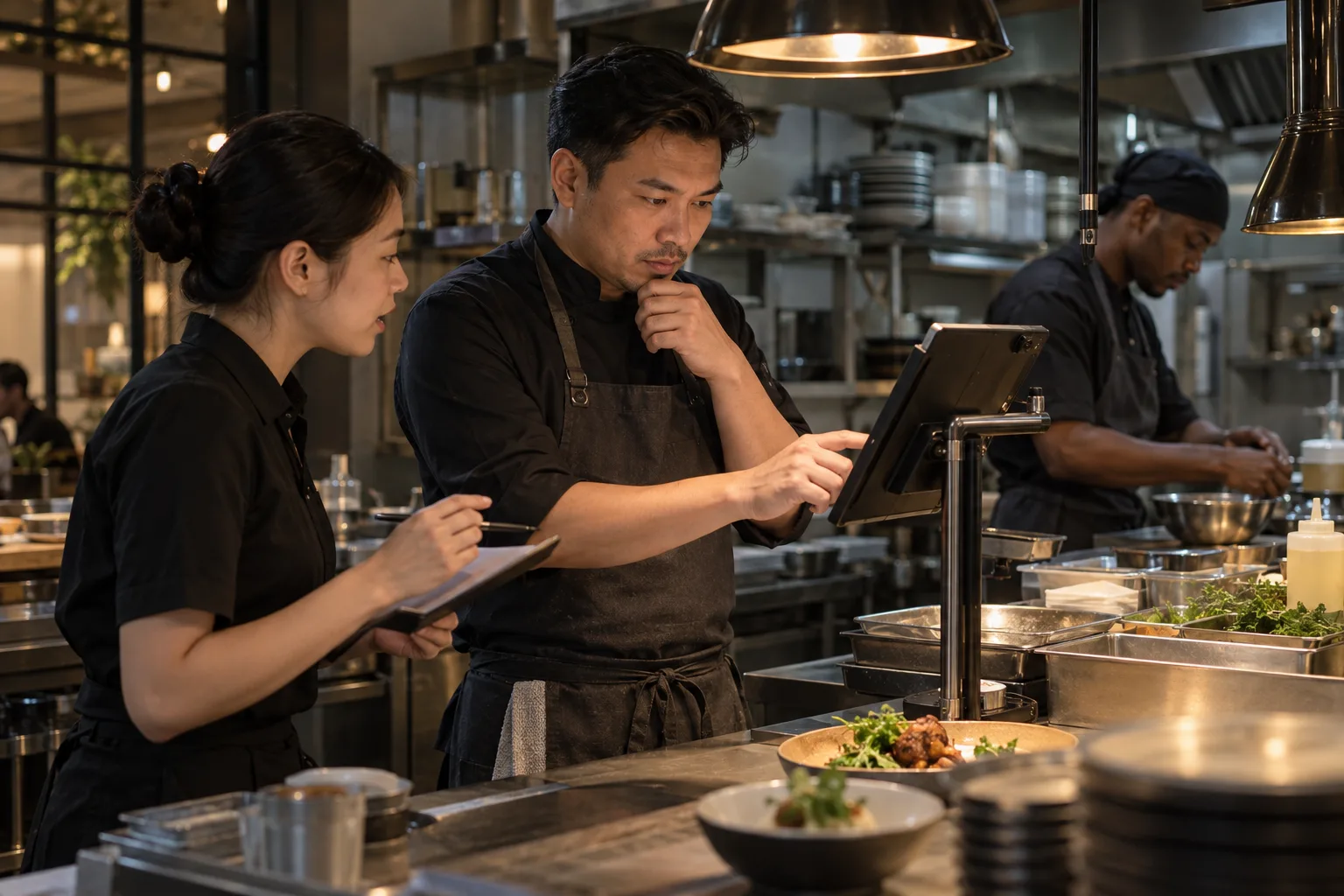
Last chapter’s marketing brought guests in. This one solves the catch after “people arrived”: how the order goes from a server’s handwritten paper to something the kitchen can see without shouting.
How orders work today: handwriting, call-outs, clipped paper
Right now, order flow at this restaurant works like this:
- A server writes the order on paper — wrong items, missed items, messy handwriting are all risks;
- The order reaches the kitchen by shouting or clipping a slip at the pass;
- Whether the kitchen got the order, and which table goes first, is the chef’s call;
- When it gets busy, missed orders, chases, and mistakes start showing up; guests wait longer; the experience starts to lose points.
The owner wants to solve “how orders arrive at the kitchen more reliably” — but he is very clear on one thing: he will not schedule for the chef. The chef knows which dishes must go first, which can wait, and how the burners rotate — that’s on-the-ground experience, not a judgment a system can replace. Any system that tries to queue for the chef breaks the existing workflow, and then the chef throws it back to call-outs.
What this step does: website ordering, order auto-sent to the kitchen
This step’s capability is exactly one clear thing:
- The online menu becomes website ordering: a guest (or a server on a tablet) picks dishes from the menu and submits an order;
- The order is generated automatically: dishes, quantity, table number or pickup method, notes — complete in one shot, no handwriting;
- The order reaches a kitchen display: the kitchen sees “what’s coming in, what needs to be made” — no more call-outs and clipped paper;
- Production planning stays with the chef: the system only delivers the order; how to plan the making, which table goes first, stays the chef’s judgment.
The goal of this step is to make order flow lighter: fewer missed orders, fewer chases, fewer mistakes. It does not take the chef’s judgment away.
Why “just to the kitchen” is right
- Doesn’t break the existing workflow: how the chef plans dishes and rotates burners every day doesn’t change a word — the system just replaces “call-out” with “the order on a screen”;
- Lowers risk: if automatic scheduling goes wrong, the blame lands on the system — but scheduling is fundamentally on-the-ground judgment. Not doing it is not doing something you can’t judge;
- It can be verified: after launch, whether “missed orders, chases, and mistakes actually went down” is observable and comparable.
The owner’s judgment: get “order arrival” right first; scheduling optimization is a later conversation driven by real data.
What this phase was deliberately not
- No automatic scheduling. The production order is the chef’s call; the system makes no queue suggestions and enforces nothing.
- No inventory or prep forecasting. This step doesn’t touch purchasing or forecast sales.
- No kitchen performance analytics. No tracking of how many dishes each chef turns out or how fast; this step only solves order arrival.
- No online payment. Orders can be submitted online, but payment stays as it is.
The chef’s working rhythm barely changes; the server has one less sheet of paper. That is the key to whether this phase lands — the system makes the people already there lighter, instead of adding another job on top of the real one.
What entering the next step requires
Once order-to-kitchen is live, the owner watches:
- whether missed orders, chases, and mistakes actually went down, or it’s just swapping paper for a screen;
- whether the chef is willing to let orders appear on the kitchen display instead of staying on call-outs;
- whether order data is clean enough to feed later links (like linking to customers, or membership stored value).
Once orders hold steady, the next question is how guests get remembered. Part 5 is about the customer base profile.
Boundary matters: the website-ordering engine and kitchen order display belong to separate business-system projects, not a standard website package. The customer profile, membership stored value, and social-media operations in this series are likewise separate projects with their own scope.